In celebration of Saudi National Day discount 15% use code Watan






















Blog

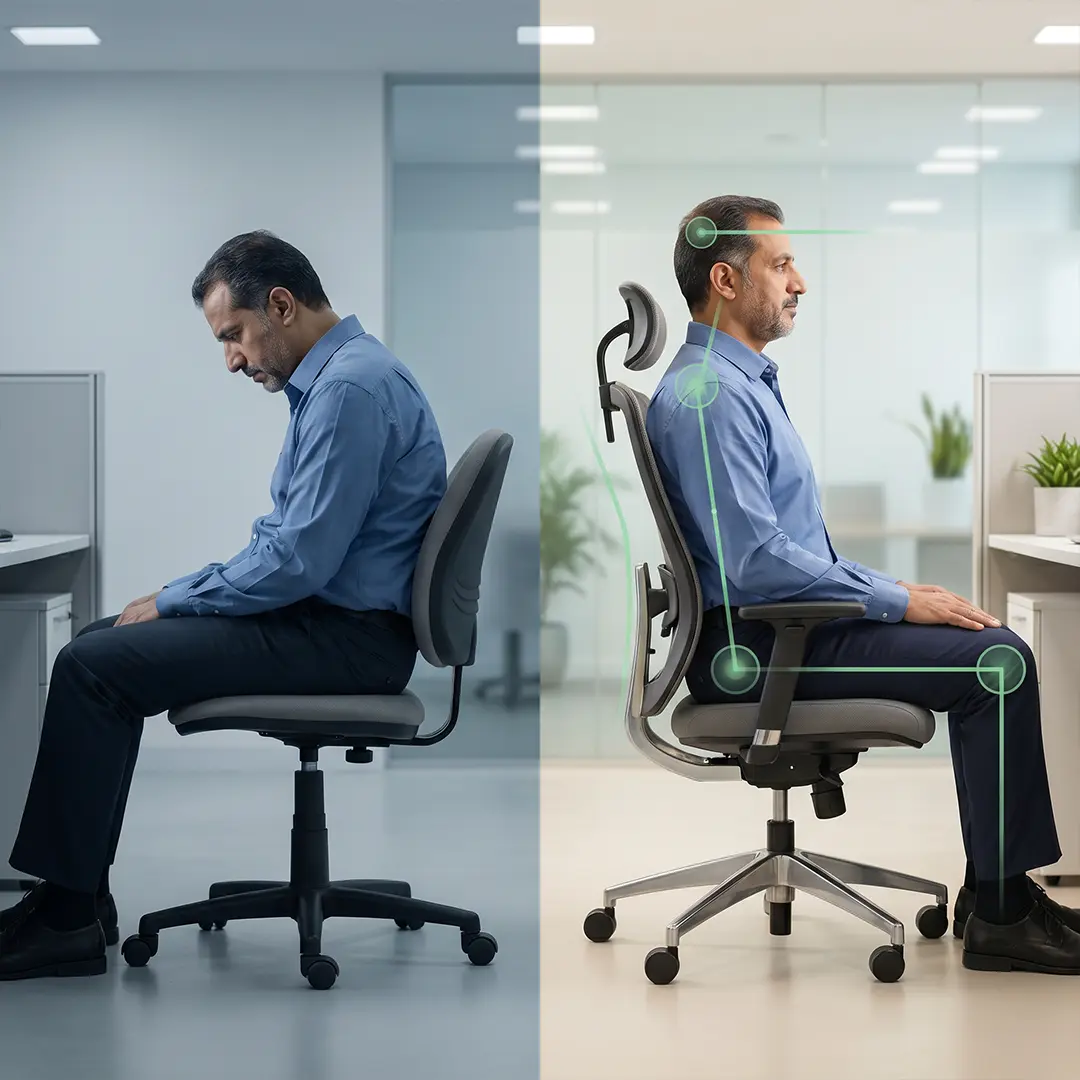
Proper sitting posture is the simplest way to reduce strain when you work, study, or relax for long hours. It means aligning your feet, hips, shoulders, and neck so the body stays supported without tension. In this guide, you will learn what proper sitting posture looks like, why it matters, and how to correct common mistakes before they turn into pain. If your back, neck, or shoulders feel tired, the answer often starts here and the fix is usually simple.
What is Proper Sitting Posture?
Proper sitting posture means keeping the body in a supported, neutral position so the muscles and ligaments do not work harder than they should. In practical terms, the goal is not to sit like a statue. It is to keep the spine supported, the shoulders relaxed, and the lower back protected while avoiding unnecessary strain. Good posture can look slightly different from one person to another, depending on body shape, chair height, and the task being done.
- The best posture is not always the “straightest” one.
- The real target is neutral alignment with enough support to reduce stress.
- A posture that feels stable, relaxed, and repeatable is usually better than a forced position.
A simple way to think about proper sitting posture is this: the chair should support the body, not challenge it. When the back is supported correctly and the feet stay grounded, the body uses less energy and the spine stays under less pressure. That is why posture is not only about appearance; it is about function, comfort, and long-term health.
Benefits of Correct Sitting Posture for Health
Correct sitting posture helps protect the spine, reduce muscle strain, and lower the risk of common discomforts like lower back pain and a stiff neck. Medical guidance also links upright sitting with better support for the back and shoulders, while poor sitting habits are associated with pain, stiffness, and reduced flexibility.
The main benefits include:
- Less pressure on the lower back and spine.
- Reduced strain on the neck, shoulders, and hips.
- Better balance and smoother body alignment.
- Improved comfort during long sitting periods.
- Lower risk of overuse and muscle fatigue.
From a daily-life perspective, proper sitting posture also matters because many people sit for work, commuting, studying, or screen time. Long sitting periods can contribute to reduced flexibility and other negative effects, so even small posture improvements can make a real difference over time.
Correct Sitting Posture Step-by-Step
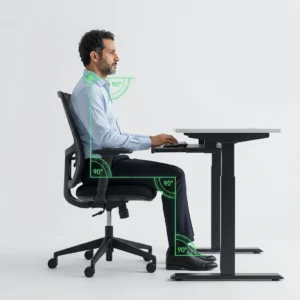
To achieve proper sitting posture, focus on simple, repeatable adjustments rather than forcing a rigid position.
- Feet Position
- Keep feet flat on the floor.
- Knees should be at hip level or slightly lower.
- Avoid crossing legs for long periods.
- Lower Back Support
- Maintain the natural curve of your spine.
- Use lumbar support or a cushion if needed.
- Sit fully back in the chair, not on the edge.
- Upper Body Alignment
- Keep shoulders relaxed, not hunched.
- Align ears with shoulders (avoid forward head).
- Keep elbows close to the body at ~90° angle.
- Screen & Desk Setup
- Screen at eye level.
- Avoid bending your neck down or up.
- Keep wrists neutral while typing.
This setup reduces unnecessary strain and supports long-term comfort.
Common Sitting Mistakes You Must Avoid
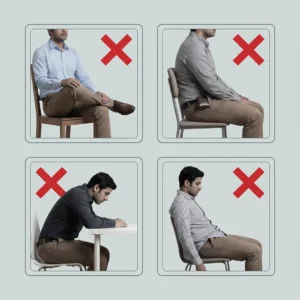
Even small mistakes can lead to discomfort if repeated daily.
- Slouching or leaning forward for long periods.
- Sitting without lower back support.
- Looking down at screens (phone/low laptop).
- Staying in one position for too long.
- Sitting too high or too low relative to your desk.
These habits gradually increase pressure on the spine and muscles, leading to fatigue and pain.
Proper Sitting Posture for Back Pain
If you already experience back pain, posture becomes even more critical. Poor alignment increases pressure on the lower spine, especially in the lumbar region.
To reduce pain:
- Keep your lower back supported at all times.
- Avoid leaning forward or collapsing your chest.
- Distribute weight evenly on both hips.
- Use supportive tools when needed.
Support products can help maintain alignment:
- coccyx cushion → reduces pressure on tailbone
- Back Support Cushion → supports lumbar curve
The goal is not just comfort, but reducing stress on sensitive areas of the spine.
Ergonomic Setup for Healthy Sitting
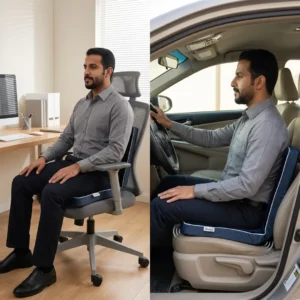
A proper ergonomic setup ensures your environment supports your posture, not fights against it.
Key adjustments:
- Chair height: feet flat, knees aligned with hips
- Screen level: directly in front of your eyes
- Desk height: allows relaxed shoulders
- Back support: supports natural spine curve
Helpful tools:
- Back Support for Car (for long driving sessions)
- cervical pillow (for neck alignment outside work)
- Multi Position Pillow (for flexible sitting support)
A good setup can fix 70% of posture problems without effort.
Focus on adjusting your environment before forcing your body.
Comfort + alignment = sustainable posture.
How Long Should You Sit? (Movement Strategy)
Even perfect posture is not enough if you sit too long.
Research shows long sitting periods can negatively affect the body, even with good posture.
Best practice:
- Stand or move every 30–60 minutes
- Stretch briefly (1–2 minutes)
- Change sitting position slightly
Movement helps:
- Reduce stiffness
- Improve circulation
- Reset posture naturally
Exercises to Improve Sitting Posture
Simple daily exercises can strengthen the muscles that support posture.
Focus on:
- Core strengthening (planks, light holds)
- Back activation (shoulder blade squeezes)
- Neck stretches (gentle side stretches)
Quick routine (2–5 minutes):
- Shoulder roll x10
- Neck stretch each side (10–15 sec)
- Back extension stretch
Consistency matters more than intensity.
FAQs
What is the best sitting posture for long hours?
Keep your feet flat, back supported, and screen at eye level. Change position regularly and take short breaks every 30–60 minutes.
How to fix poor posture fast?
Start with small adjustments: align your screen, support your lower back, and keep shoulders relaxed. Consistency is more effective than quick fixes.
Does posture really affect back pain?
Yes. Poor posture increases pressure on the spine and muscles, which can lead to pain over time.
What is the correct sitting position at a desk?
Sit with hips fully back in the chair, spine supported, elbows at 90°, and eyes aligned with the screen.
Proper sitting posture is not about perfection—it is about consistency and support. When your environment and habits work together, your body naturally stays aligned with less effort.
Start with simple adjustments:
- Fix your chair and screen setup
- Support your lower back
- Move regularly throughout the day
If you spend long hours sitting, the right support tools can make a big difference. Explore options like ergonomic cushions and back supports to maintain comfort and protect your spine over time.

Related posts
How to Ease Lower Back Pain

How to Ease Lower Back Pain: Safe Home Care, Exercises, and Warning Signs
The best way to ease lower back pain is usually to remain ge...

Herniated Disc Pain Relief
Herniated Disc Pain Relief
Herniated Disc Pain Relief starts with gentle activity, brief rest, supportive sitting and sleeping positio...
Best Recliner for Back Pain
Best Recliner for Back Pain: The Ultimate Ergonomic
Finding the best recliner for back pain requires selecting a seat built on ergono...
How to Choose a Recliner Chair
How to Choose a Recliner Chair: An Ergonomic & Buyer's Guide
Learning How to Choose a Recliner Chair comes down to evaluating your...
Recliner Chair Prices
Awlait recliner chair prices currently start from SAR 1,269 and can reach SAR 2,815, depending mainly on the selected reclining mechani...
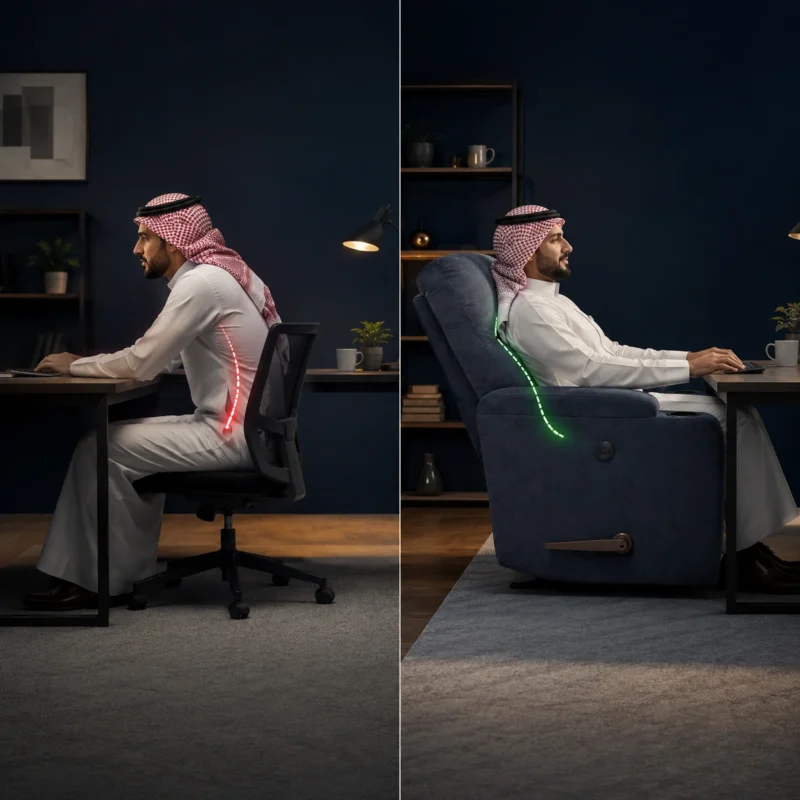
How to Relieve Back Pain
Learning how to relieve back pain requires a structured, step-by-step approach. It begins with applying cold therapy to soothe lumbar m...
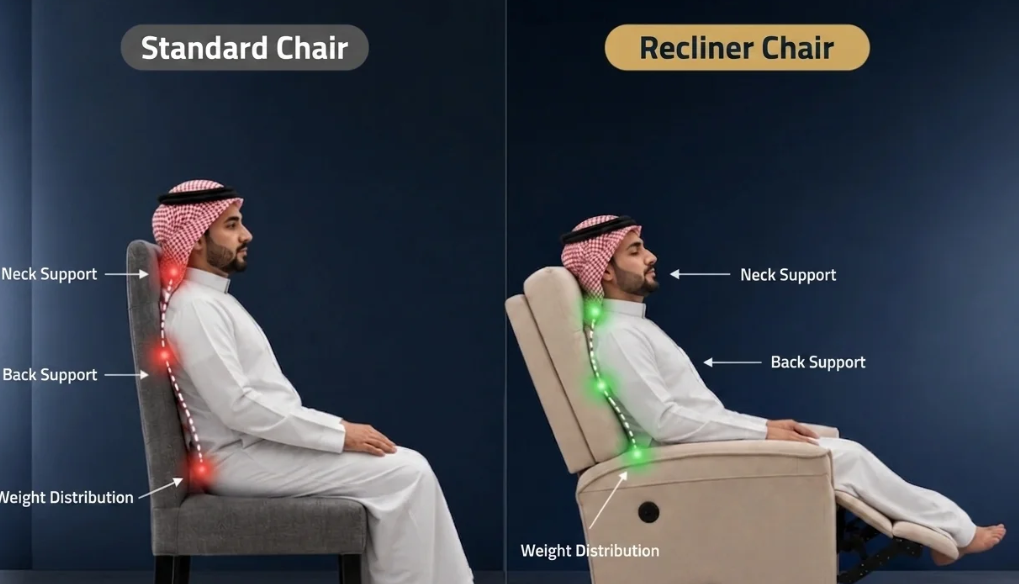
benefits of recliner chair
The benefits of recliner chair extend far beyond simple relaxation, offering comprehensive body support and relieving stress on joints ...
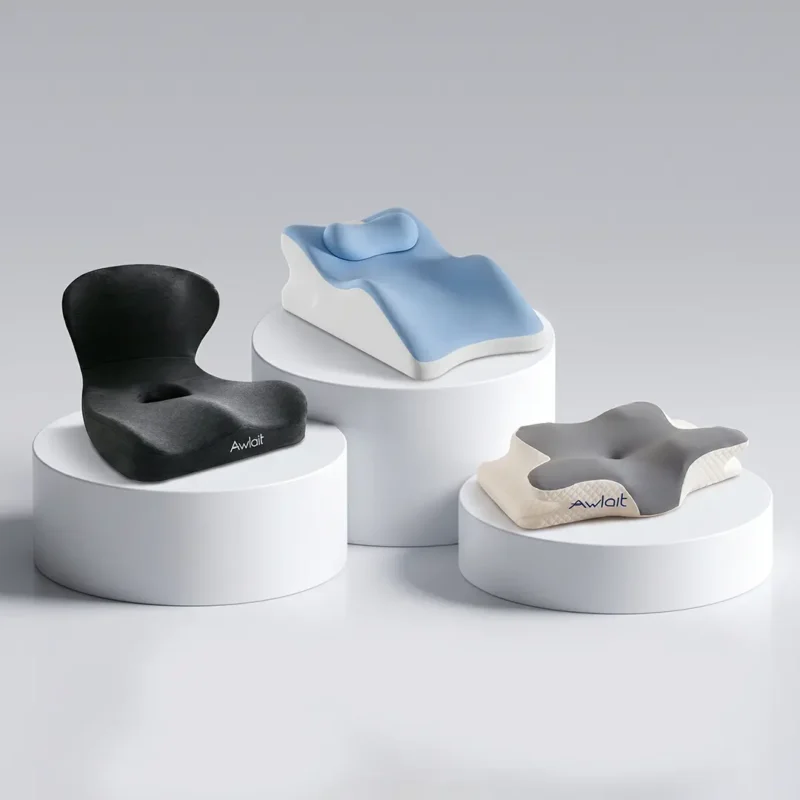
Best Memory Foam Pillows in 2026
The best memory foam pillows are engineered to provide superior cervical support by adapting to the unique contours of your head and ne...
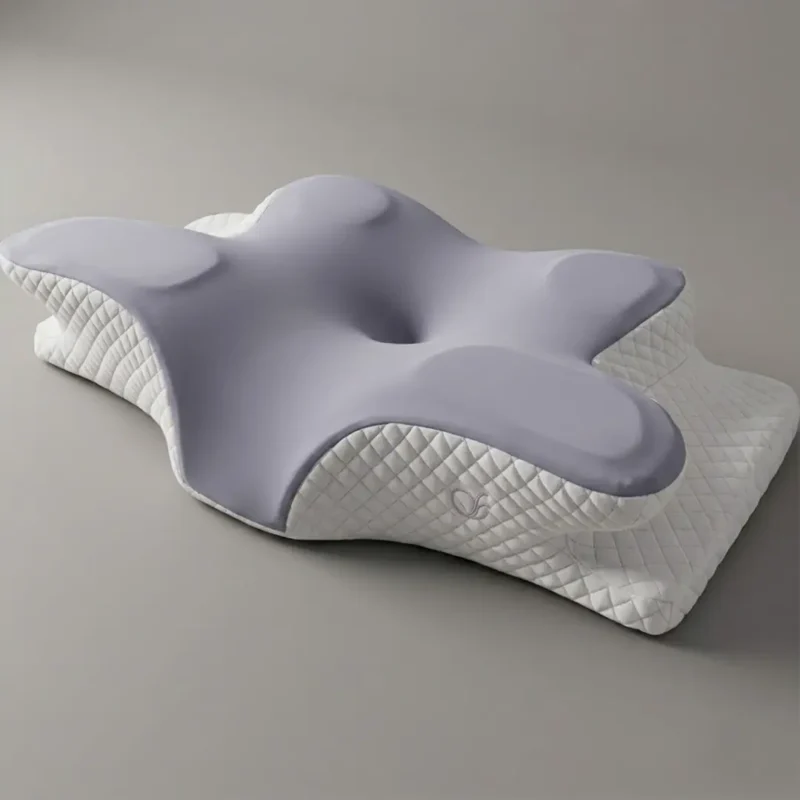
Best Type of Pillow for Neck Pain: Orthopedic Guide by Sleep Position
Finding the best type of pillow for neck pain requires matching your sleep position with the correct loft and material. A misaligned ce...
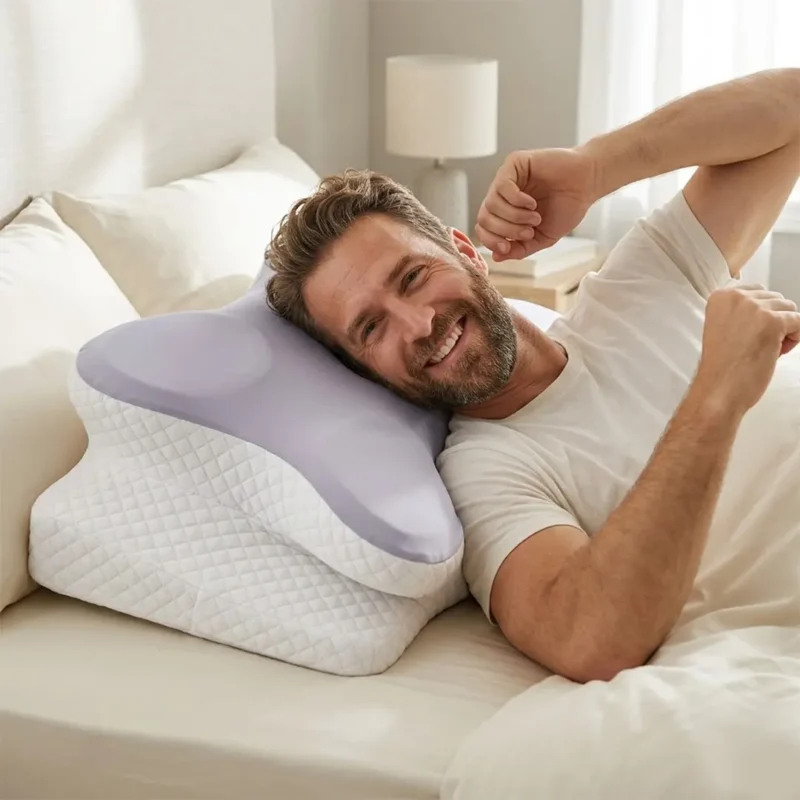
Best Pillow for Sleeping in 2026
Finding the best pillow for sleeping is essential for maintaining spinal health and ensuring restorative rest throughout the night. You...
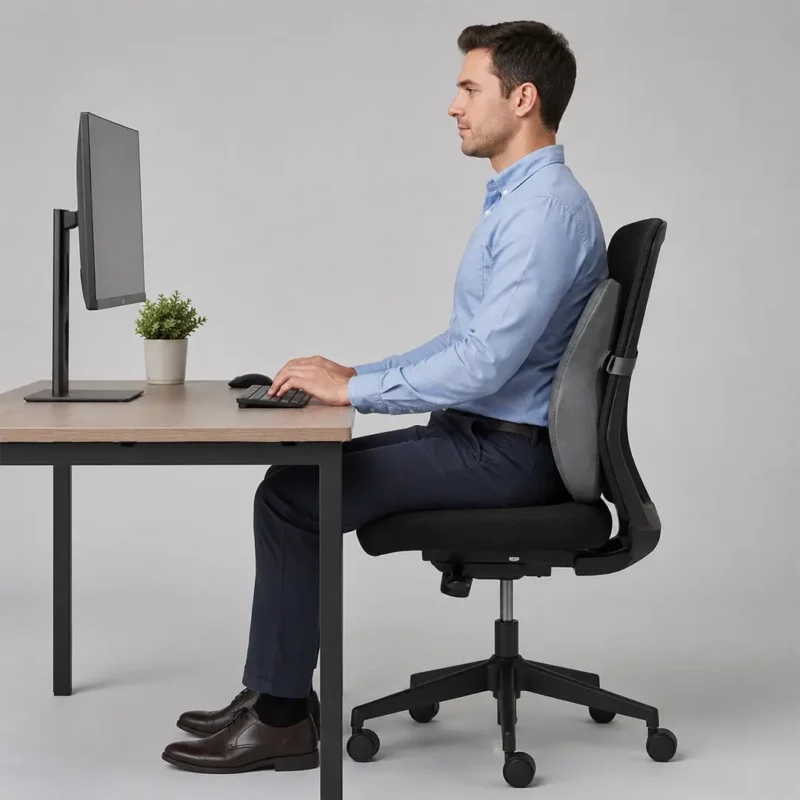
Correct Sitting Posture in Front of Computer
Maintaining correct sitting posture in front of computer screens is absolutely essential to prevent chronic musculoskeletal disorders a...
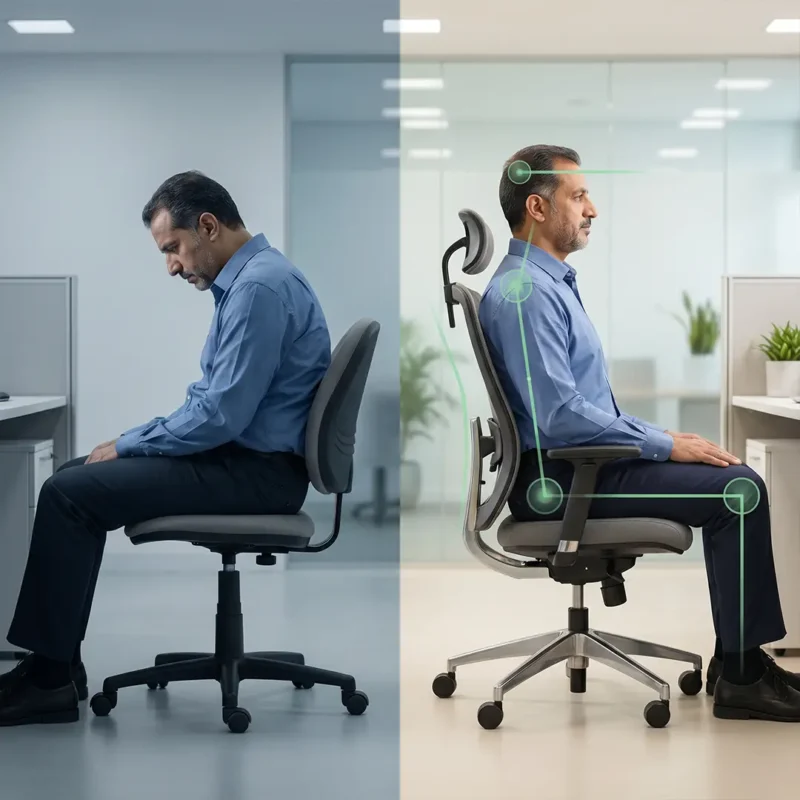
Proper Sitting Posture: How to Sit Correctly for Better Back Health
Proper sitting posture is the simplest way to reduce strain when you work, study, or relax for long hours. It means aligning your feet,...